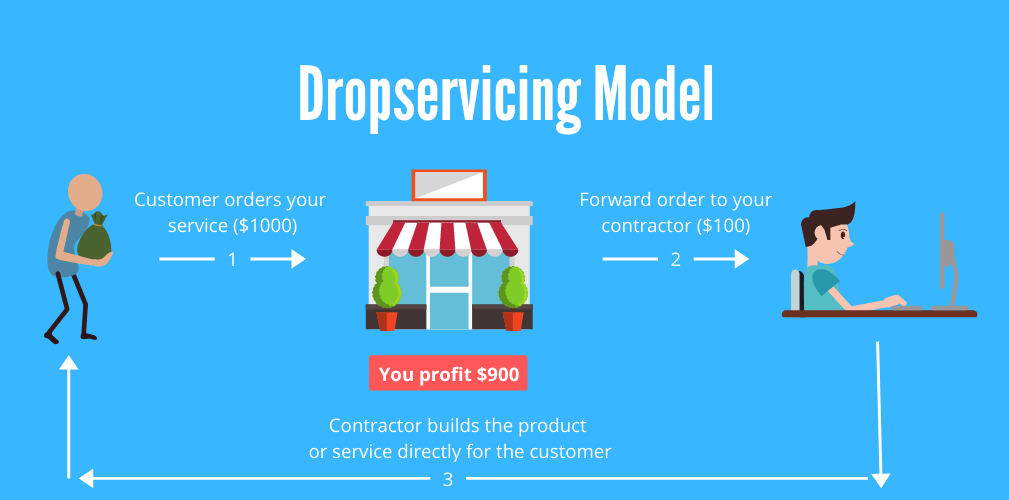
Step by Step guide to dropservicing for 2020:
DropServicing is like Dropshipping but instead of selling a China-sourced product with low-profit margins you sell an in-demand service for business owners who are ready to pay hundreds to thousands of dollars for getting their problem solved, and the best part is that you don’t even have to do the work, your job is simply to make the connection between the client and the contractor. – Sounds too good to be true?
Let me show you how it is done!
Imagine that you have a website that sells a service, which could be logo designs for $99 and a customer purchases the service from you. All you have to do now is to go to a platform called Fiverr where you can find a contractor who can fulfill the job for you for $10. If you do the math then this leaves $89 in pure profit for you, but how can you do this? I will teach you how to start your own digital agency selling online services step by step.
First of all, lets look at the budget – How do you have to invest?
The first thing you have to do is to find a platform, where you can sell your service to clients who are interested in the service you provide. The best way to do so is by creating your own website – and before you freak out – i promise you that it is super simple if you use a platform called ClickFunnels. ClickFunnels will provide you with all the information you need, but just to make sure that your start your online business carrear in the best possible way i am also going to show you exactly how you set up the perfect website for your business – and the best part? You get a 14 days free trial to get if you click the link below 👇.
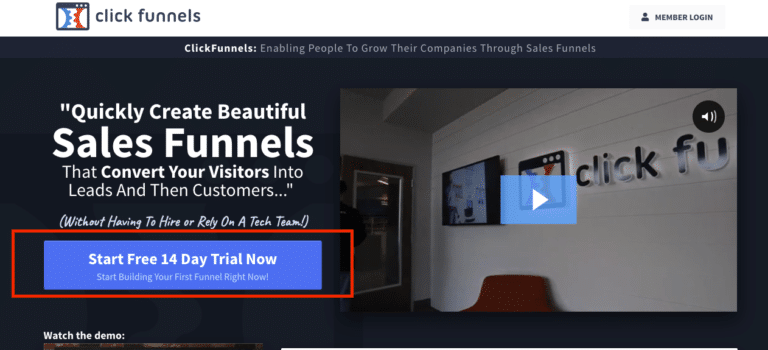
Step 1: Sign Up To ClickFunnels Tap here By opening the link above you will land on a page like this: 👇
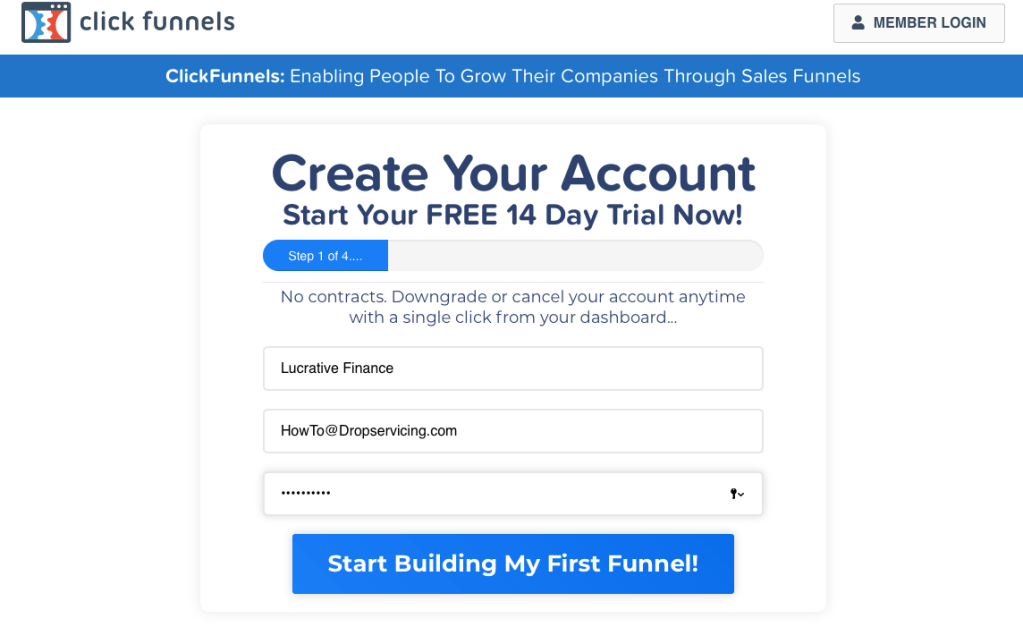
After signing up for your 14 days free trial you need to fill out your personal information to get you dropservicing business started:
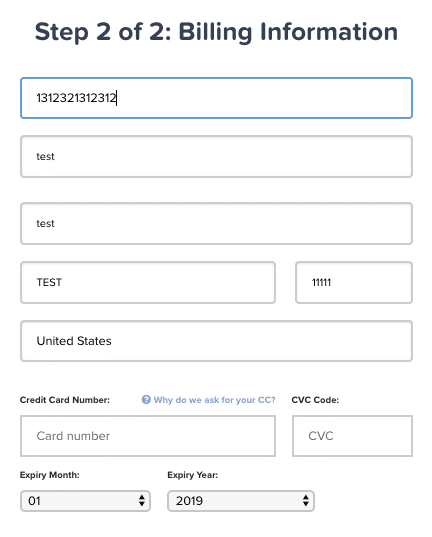
Step 2: Billing information Simply fill out your billing information – keep calm, you won’t be charged before the 14 days run out.
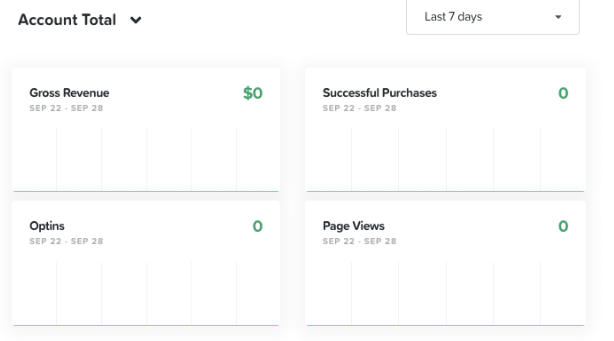
Step 3: Create Your New Website After entering your billing information you will be redirected to your Admin Dashboard. From here you can create your website, just follow the steps showed on the pictures below: Now you will land on a page where you can choose a template for your website. Follow along for the next few steps where we create your website:
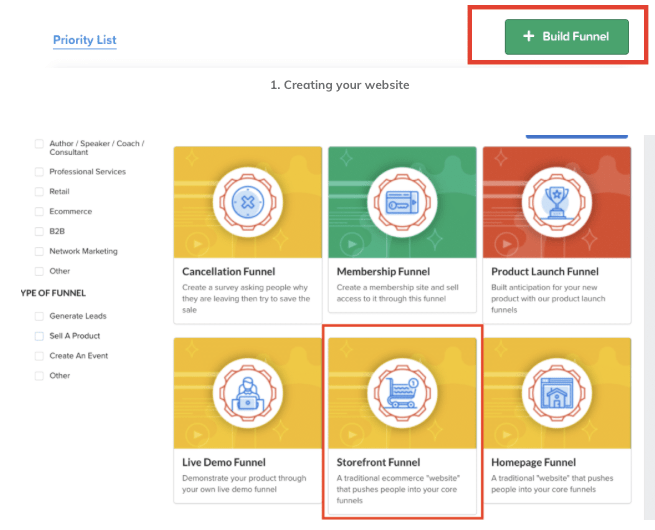
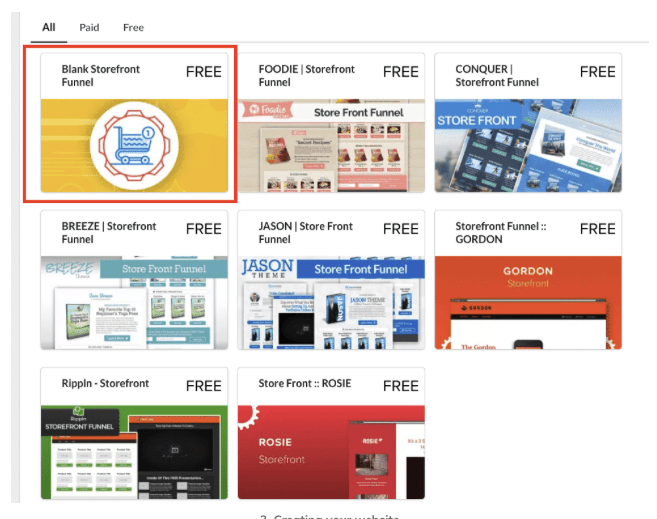
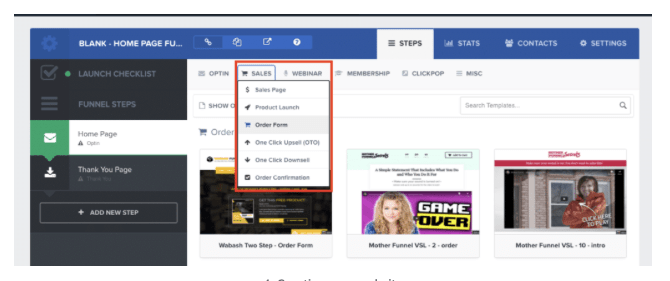
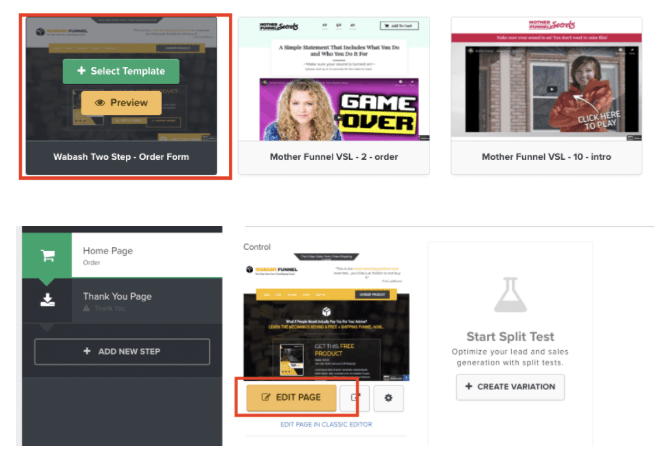
When clicking “EDIT PAGE” the visual page editor open. Watch the video i made below to see how to design your dropservice-business.
Step 4. The Thank You Page Customer service is crucial when running a business – After all you would like your customers to return to your business and making more sales right? Therefore you have to set up a Thank You Page for when a customer makes a purchase on your site (Remember to pick a Thank You Page with a similar design and color scheme as your Home Page). Follow the steps on the pictures below to get this done:
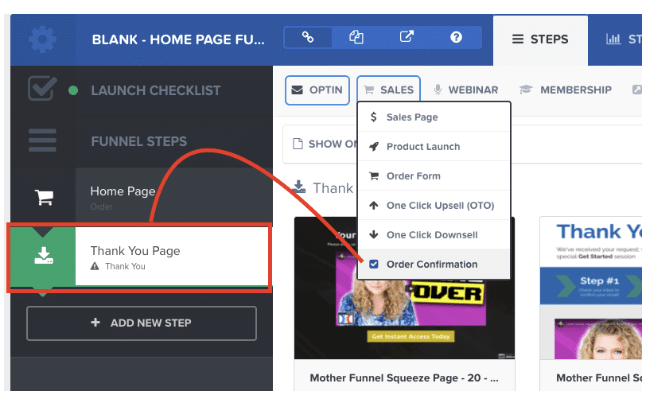
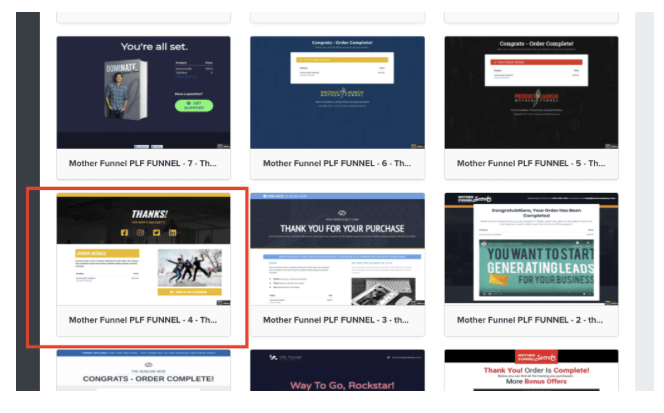
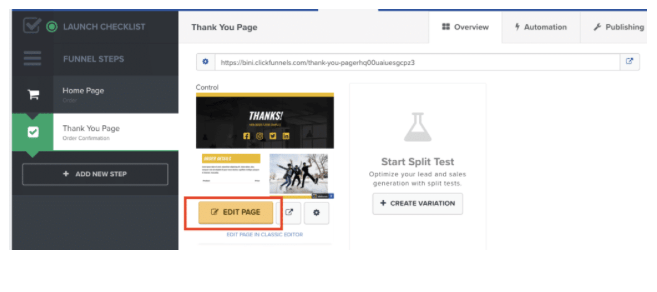
Step 5. Domain Selection After creating your website you have to select the perfect name and domain for your dropservice business. Be creative but make sure that the name is in association with the service you provide – Got the perfect name? Check if it is available and purchase it right away, you will need it for the next step. When the domain is bought you can connect it with your ClickFunnels site by following the steps below: Before your domain is officially connected you have to set up a Cname. Read THIS ARTICLE to see how it is done.
Step 6. Payment Gateway To be able to capture payments for your services and add your product to the site you have to set up a Payment Gatewat. I recommend Stripe or ClickBank combined with PayPal. Follow the picture below:
Step 7. Add Your Product When adding your products you have to return to the Homepage Setting and follow the steps shown on the pictures below:
 Lucrative Finance